 Grain
GrainAnalytics tools for Agents and Humans
Query your databases from VS Code, the terminal, or an MCP agent.
Try it here
query.sql
Agent
I'm connected to the sample data. Ask a question and you'll see the SQL I write to answer it.
Try the experience live
What Grain does
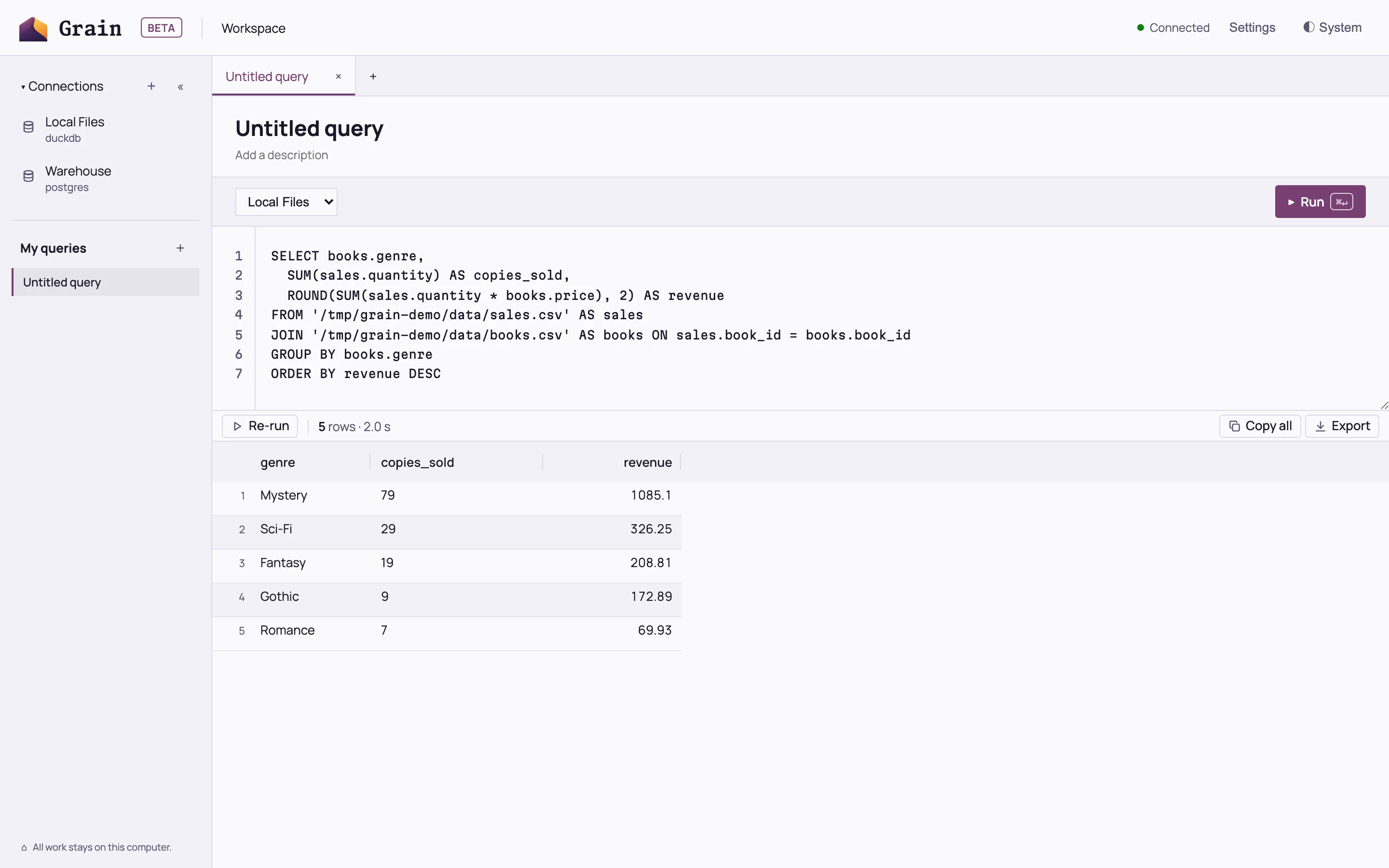
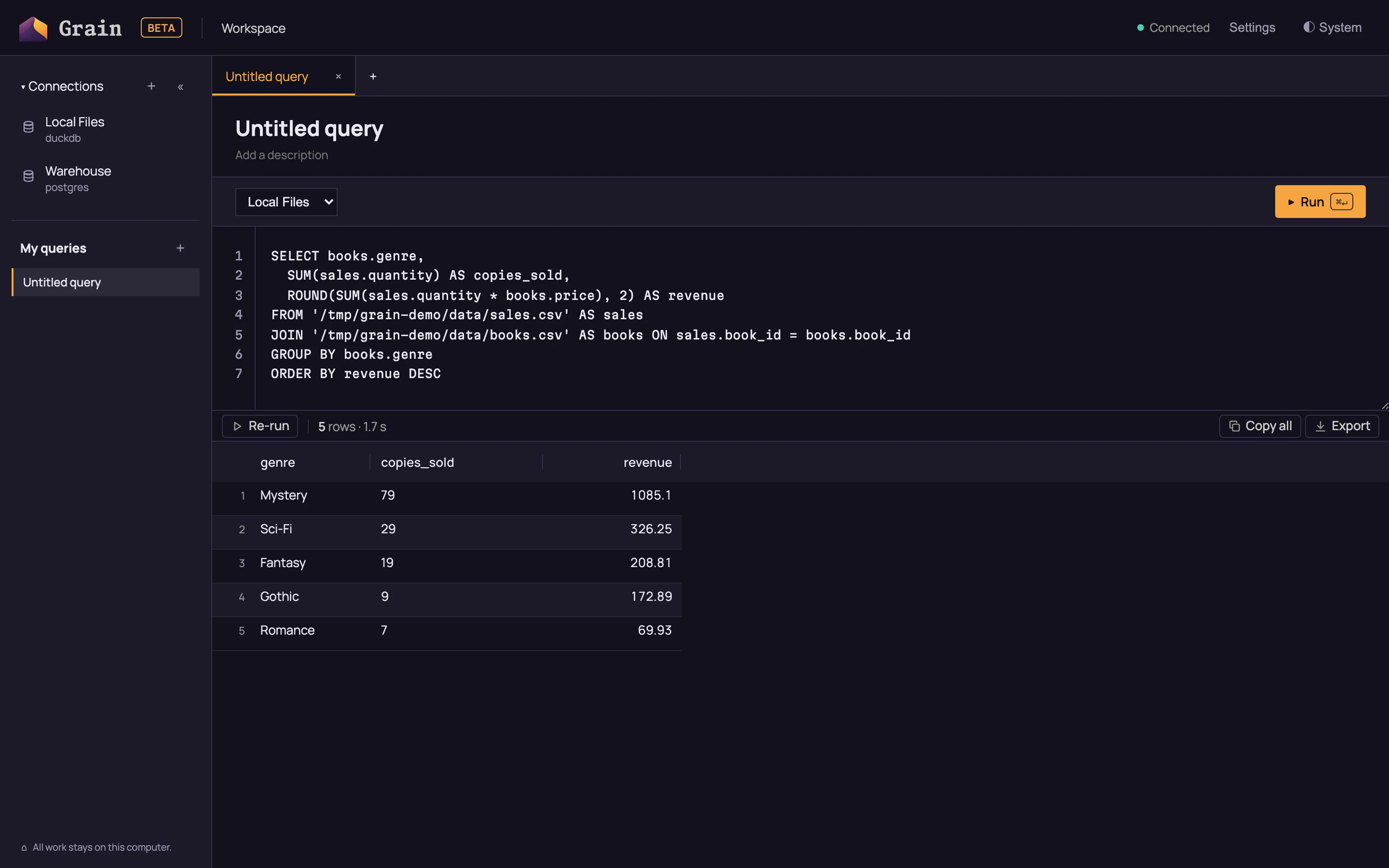
See what your agent actually ran
Grain workbench, BetaRead the exact SQL and explore the rows it returned, next to your own queries.
Results and sessions →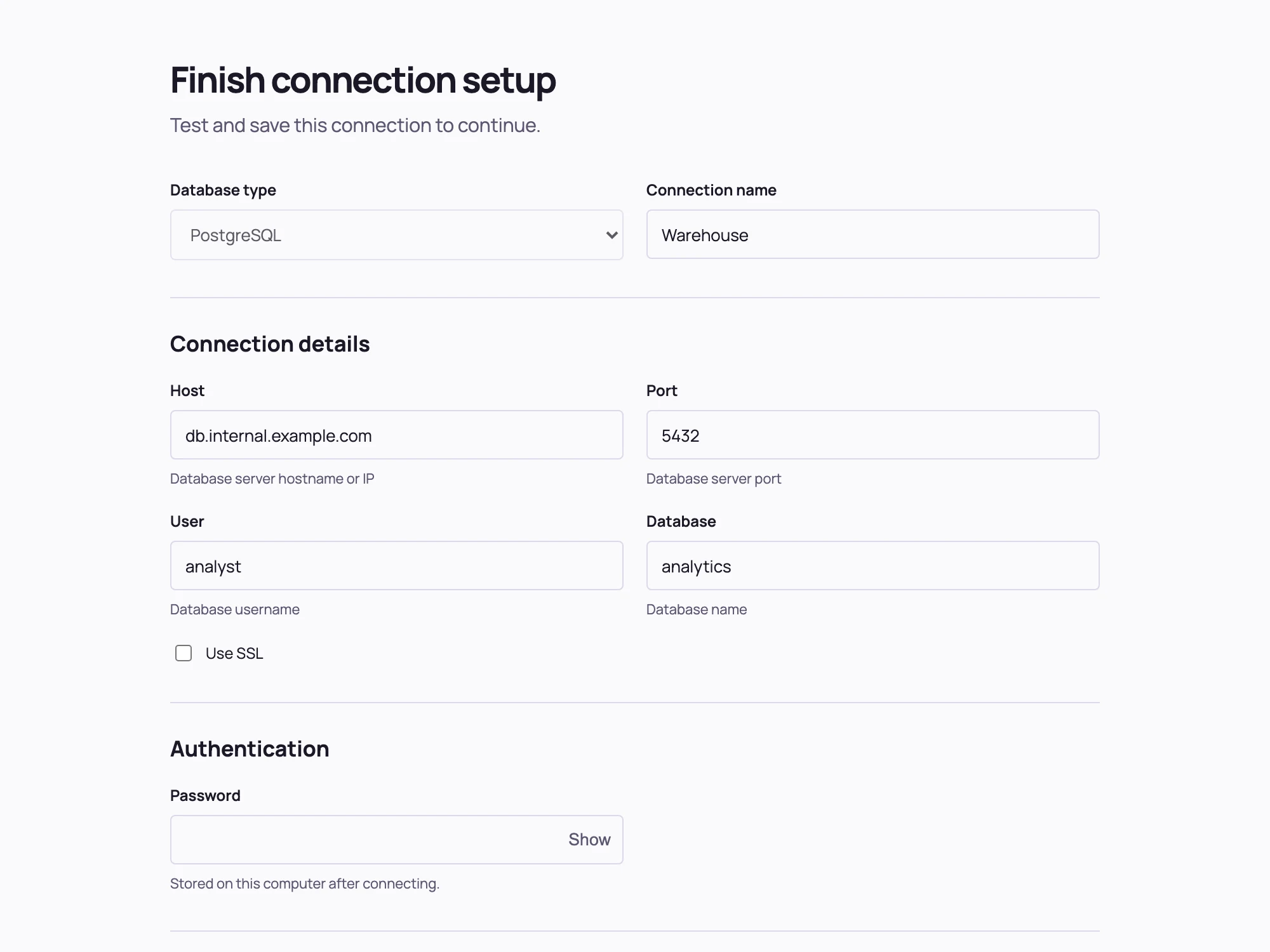
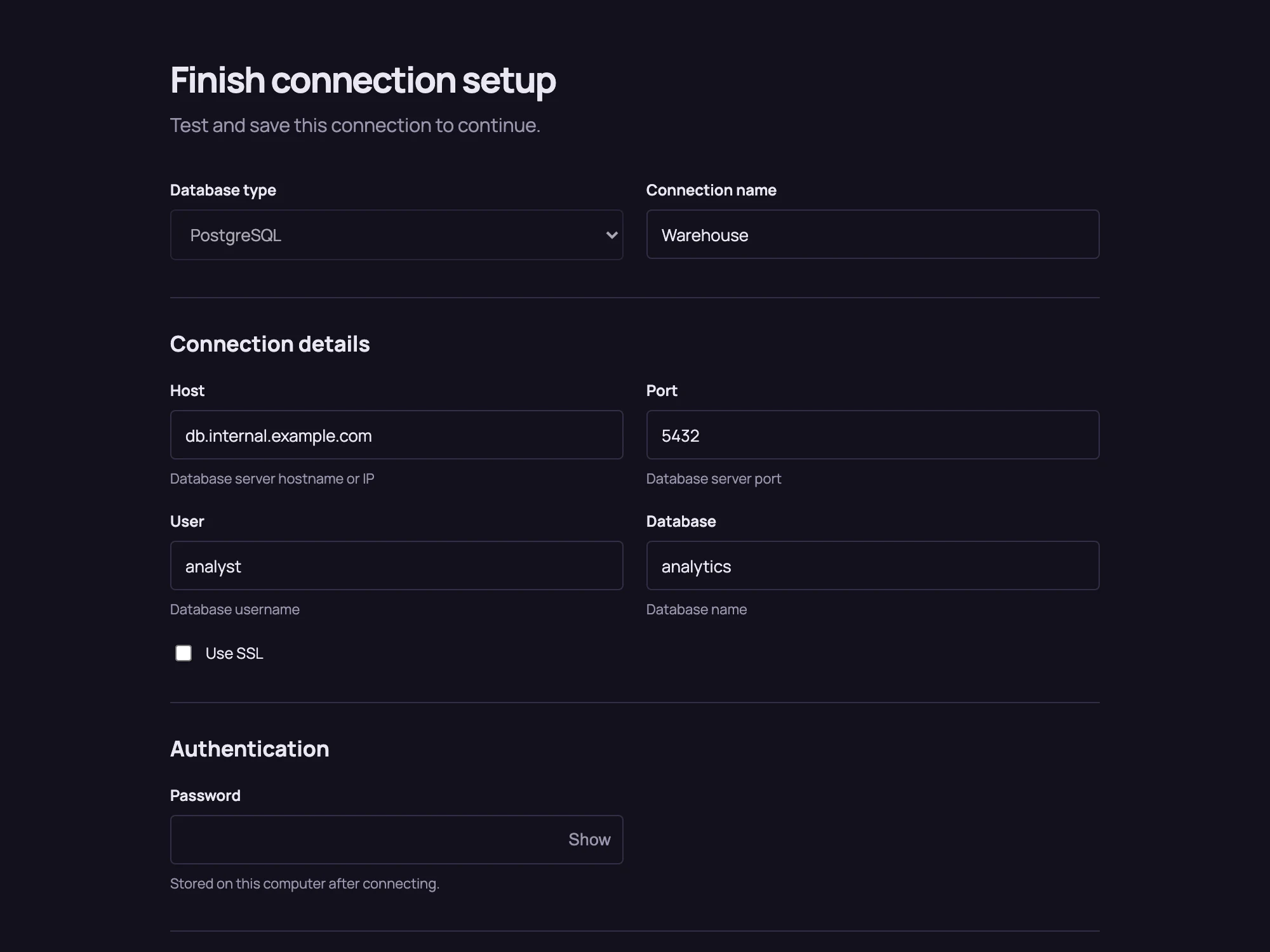
Your password never enters the chat
Your agent drafts the connection and you finish it on a setup page on your own machine. Save it once and every connected agent and VS Code can use it.
Connections →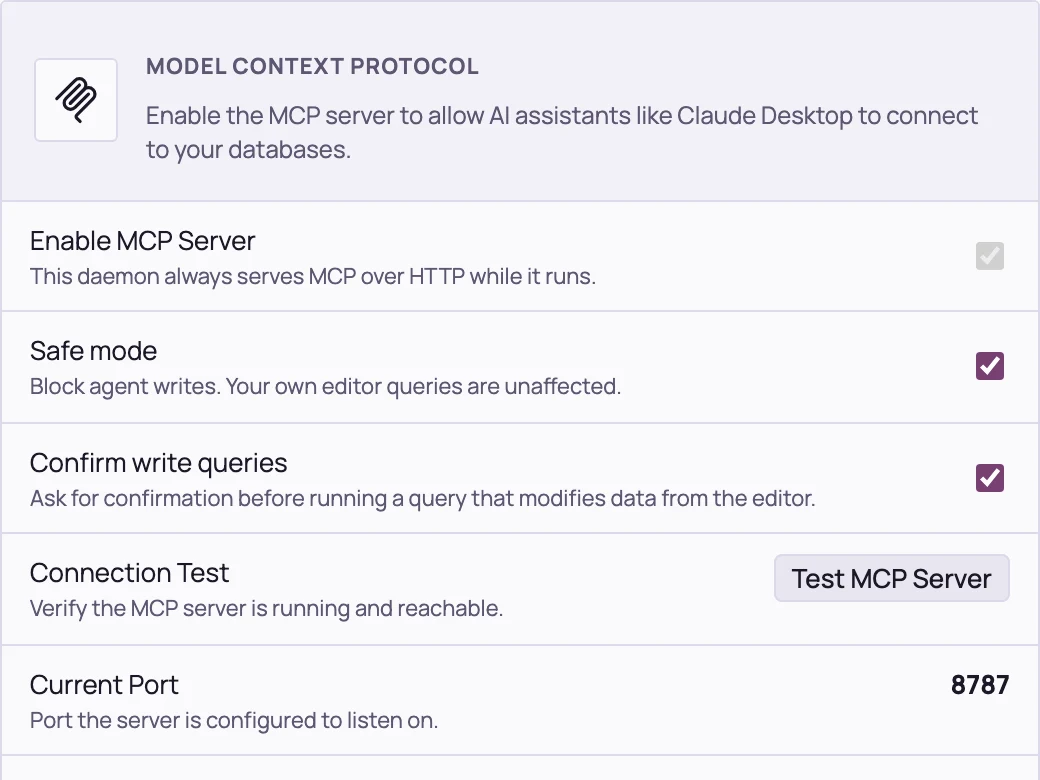
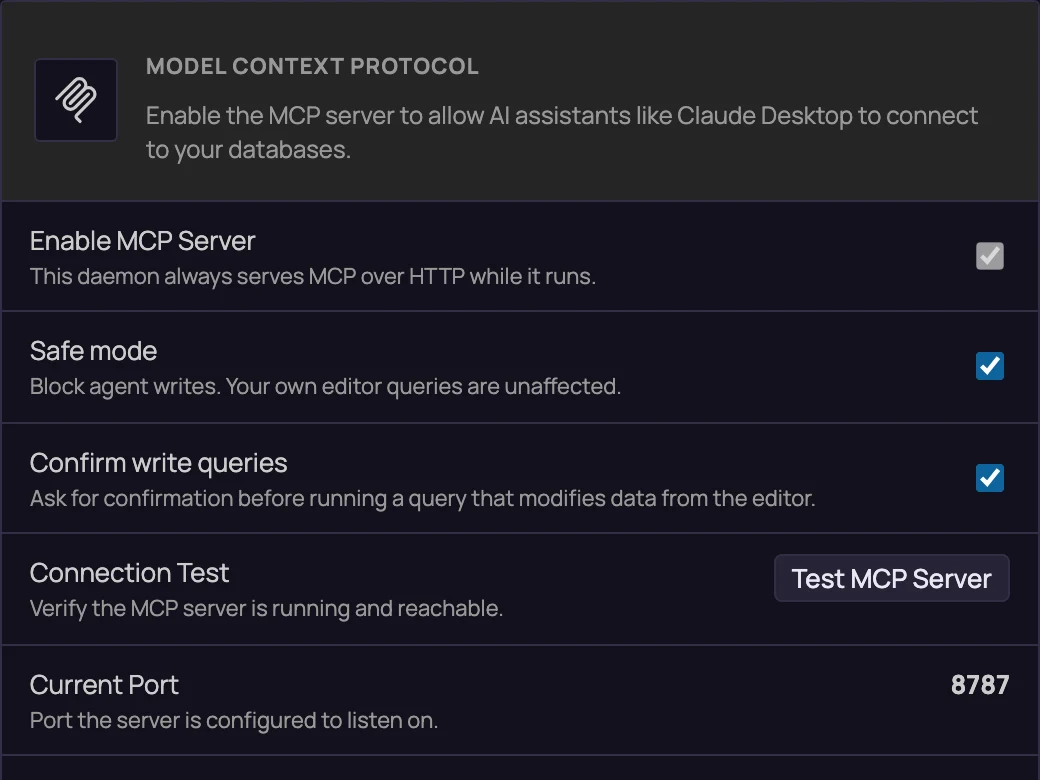
Agents explore. They do not change your data.
Safe mode refuses agent write statements by default. Turn it off when you want agents to write.
Safe mode →
Works where you work
- Claude Desktop
- Claude Code
- VS Code
- Cursor
- Windsurf
- Codex
Supported databases
- Snowflake
- BigQuery
- PostgreSQL
- MySQL
- SQL Server
- SQLite
- DuckDB
- Trino
- Elasticsearch
Coming soon
- ClickHouse
- Databricks
- Redshift
- Oracle