
The browser workspace (Beta)
A beta feature
The Grain workspace is a query editor that runs in your browser and talks to the Grain service on your machine. It is in beta, so it may be unstable and it may change between releases. VS Code and the grain command are the supported ways to use Grain, and we recommend them for daily work.
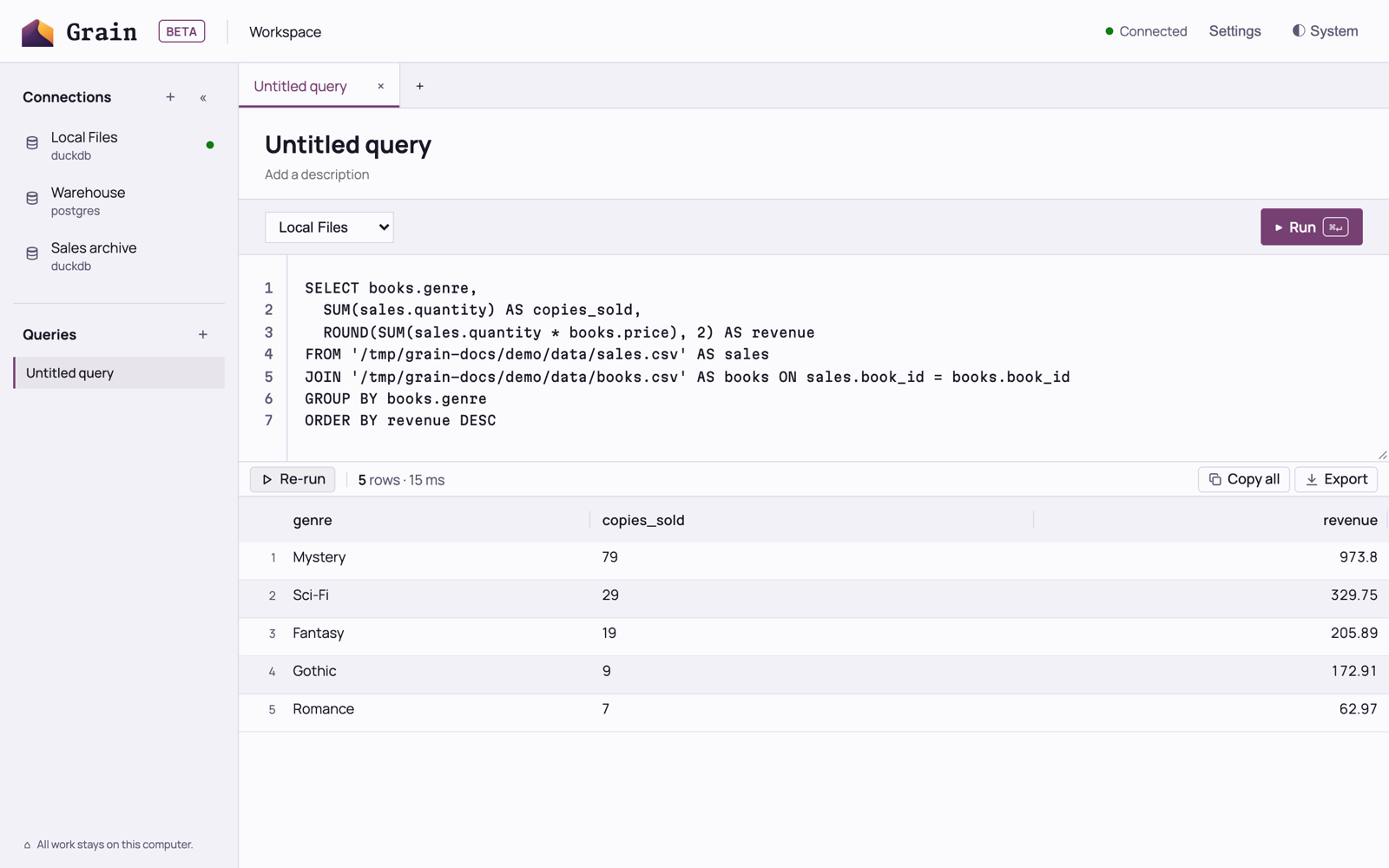
Open the workspace
Run this command in a terminal:
grain uiThe workspace opens at a local address on your machine. Each grain ui run signs the new tab in, so run it again whenever you want another tab.
What you can do in the workspace
- Add and edit connections. The add buttons sit on the sidebar headers, and a dot shows which connections are ready.
- Write SQL with line numbers, run it on the connection you choose for that query, and see the results at full width.
- Keep several named queries in your own list. The list stays after you reload the page.
With write confirmation on, the workspace asks before it runs a query that changes data.
When a tab loses Grain
If the Grain service stops or moves to a different port, the tab can’t reconnect, and the workspace shows a notice that explains what happened. Run grain ui again to open a new tab.